
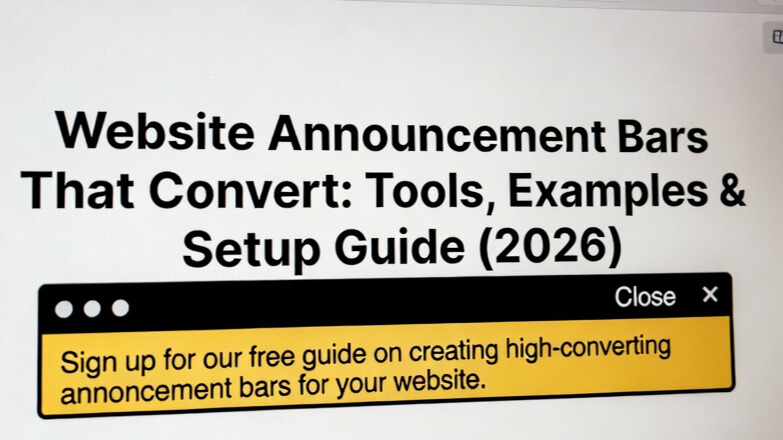
The difference between a website that converts and one that leaks revenue often comes down to communication. Not louder communication.
Smarter communication. That’s exactly where announcement bars shine.
They highlight key offers, guide visitors toward important pages, and make it easier to turn browsers into buyers. Small element. Massive leverage.
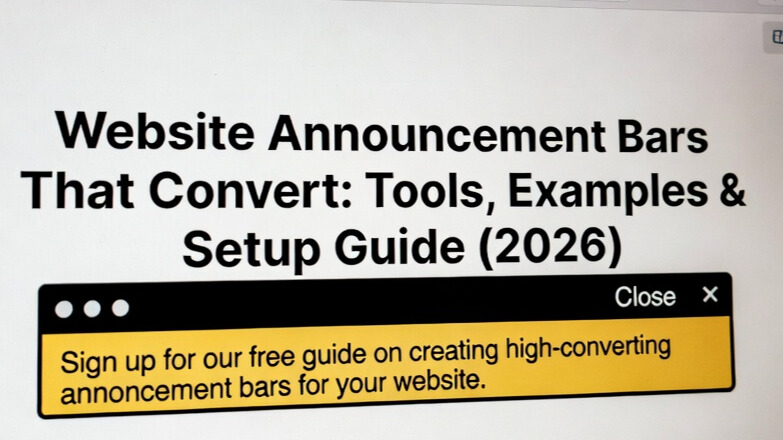
What Is a Website Announcement Bar?
It’s a sticky notification displayed at the top or bottom of a webpage to share promotions, alerts, or announcements.
Typically designed with vibrant colors, short messages, and clickable buttons to encourage action.
Why Announcement Bars Convert
Benefits include:
- increased conversions
- improved UX
- stronger brand recall
- better communication
When urgency is introduced like limited-time deals sales often rise.
Website Announcement Bar Examples That Work
Real-world inspiration matters.
Here are proven patterns.
Coupon Reminder
Floating coupon bars can increase redemption rates significantly — sometimes by up to 50%.
Flash Sale
Great for urgency.
Free Shipping
Answers a top customer question instantly.
SaaS Signup Prompt
Drives trials directly from traffic. Brands across e-commerce use these formats to guide visitors smoothly through the store. More inspiration: campaigns like flash-sale sticky bars and signup bars demonstrate how effective these can be.
How to Add an Announcement Bar
You have two paths:
Manual build
Full control – but technical.
Software
Fast and scalable.
Most teams choose tools so they can launch campaigns without engineering delays.
👉 EaseNotify is designed for exactly this, letting teams deploy targeted announcement bars in minutes.
Best Tools to Create a Website Announcement Bar
Commonly compared platforms include:
- EaseNotify
- OptiMonk
- Wisepops
- Maestra
Evaluate based on targeting, pricing, integrations, and analytics.
Compare Website Header Banner Solutions
Bars vs Popups
Bars announce. Popups capture leads.
Use both strategically.
Placement Matters
Banners can appear above the fold, inline, or as floating elements depending on your goal.
What Makes a High-Converting Announcement Bar?
Prioritize:
- Relevance
- Timing
- Clear CTA
- Strong visual hierarchy
Always add a link directing visitors to learn more about your offer.
Where Can You Buy an Announcement Bar?
Most modern tools operate on subscription models because teams want ongoing optimization and analytics.
Choose one that scales with your traffic.
Pro Setup Tips for 2026
Refresh banners every 2–4 weeks or with new campaigns.
Balance visibility with user experience it should feel like part of the journey, not an interruption.
Final Word
The modern website isn’t just a destination. It’s a conversation and announcement bars are often the first sentence.
Deploy them wisely and you’ll guide visitors exactly where they need to go.