
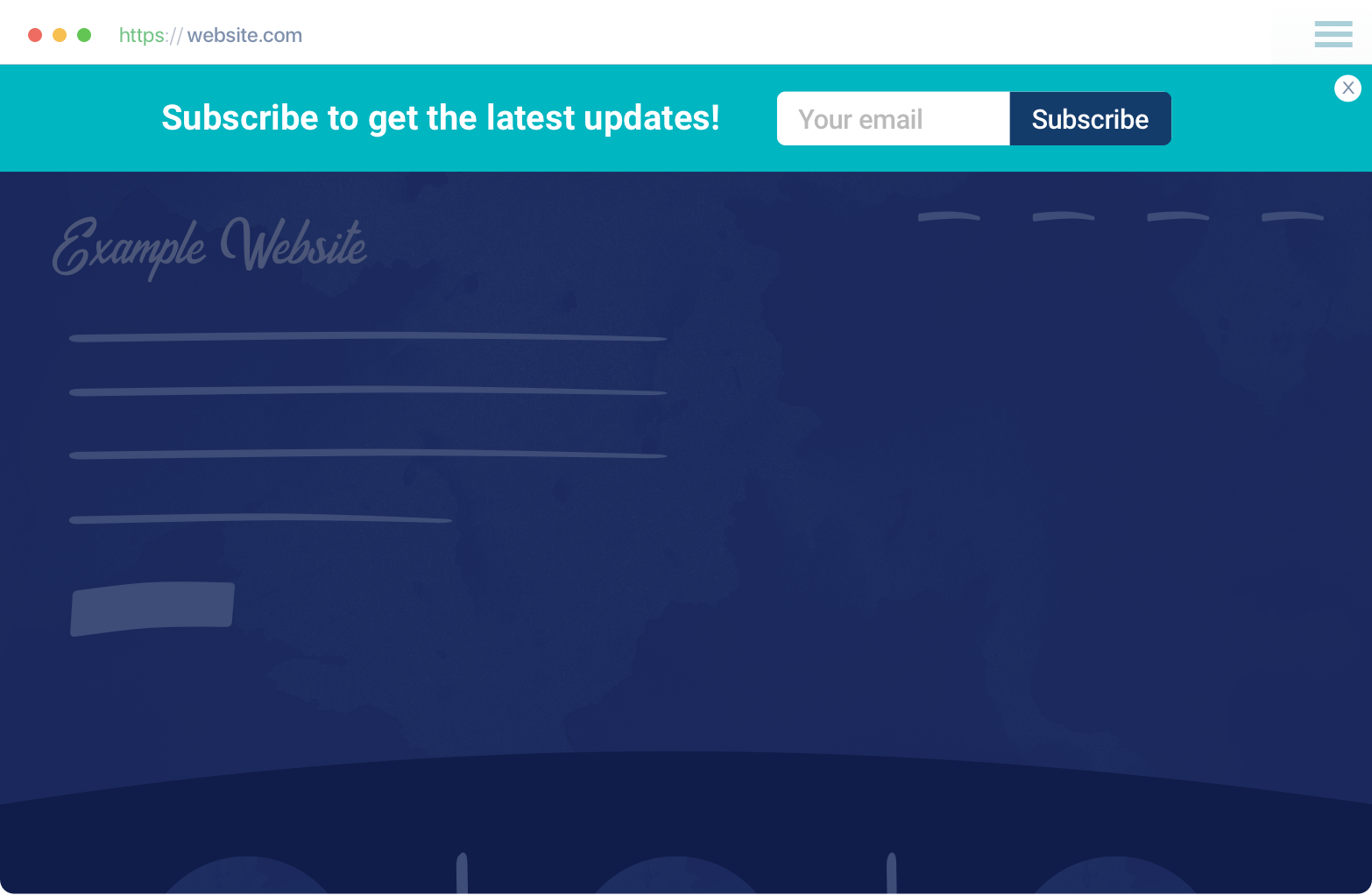
When someone lands on your website, you have 3 seconds to answer their biggest questions:
- Do you offer free shipping?
- Is there a discount?
- Is this offer time-limited?
- Can I trust this site?
A website announcement bar answers all of this without interrupting the user journey.
In this guide, we break down the top 10 real-world announcement bar use cases used by high-converting brands across ecommerce, SaaS, and global DTC stores and how you can recreate them using EaseNotify.
Why Announcement Bars Matter in 2026
Search behavior has changed.
Users now arrive from:
- Google Search
- AI answers (ChatGPT, Perplexity, Gemini)
- Social discovery
- Geo-specific queries
That makes contextual, persistent messaging critical.
Announcement bars help with:
- SEO (clear intent signals)
- AEO (instant answers to pricing/shipping questions)
- Conversion rate optimization
- Geo-targeted personalization
- Reducing cart abandonment
1. Free Shipping Threshold Bar

Use case: Increase Average Order Value
Where it works best: Ecommerce, DTC brands
Example:
“Free shipping on orders over ₹999 🚚”
Why it works:
- Sets a clear buying goal
- Removes friction early
- Encourages users to add one more item
Pro tip:
Make this dynamic – update the message as cart value increases.
2. Coupon Reminder Bar (Post Signup)
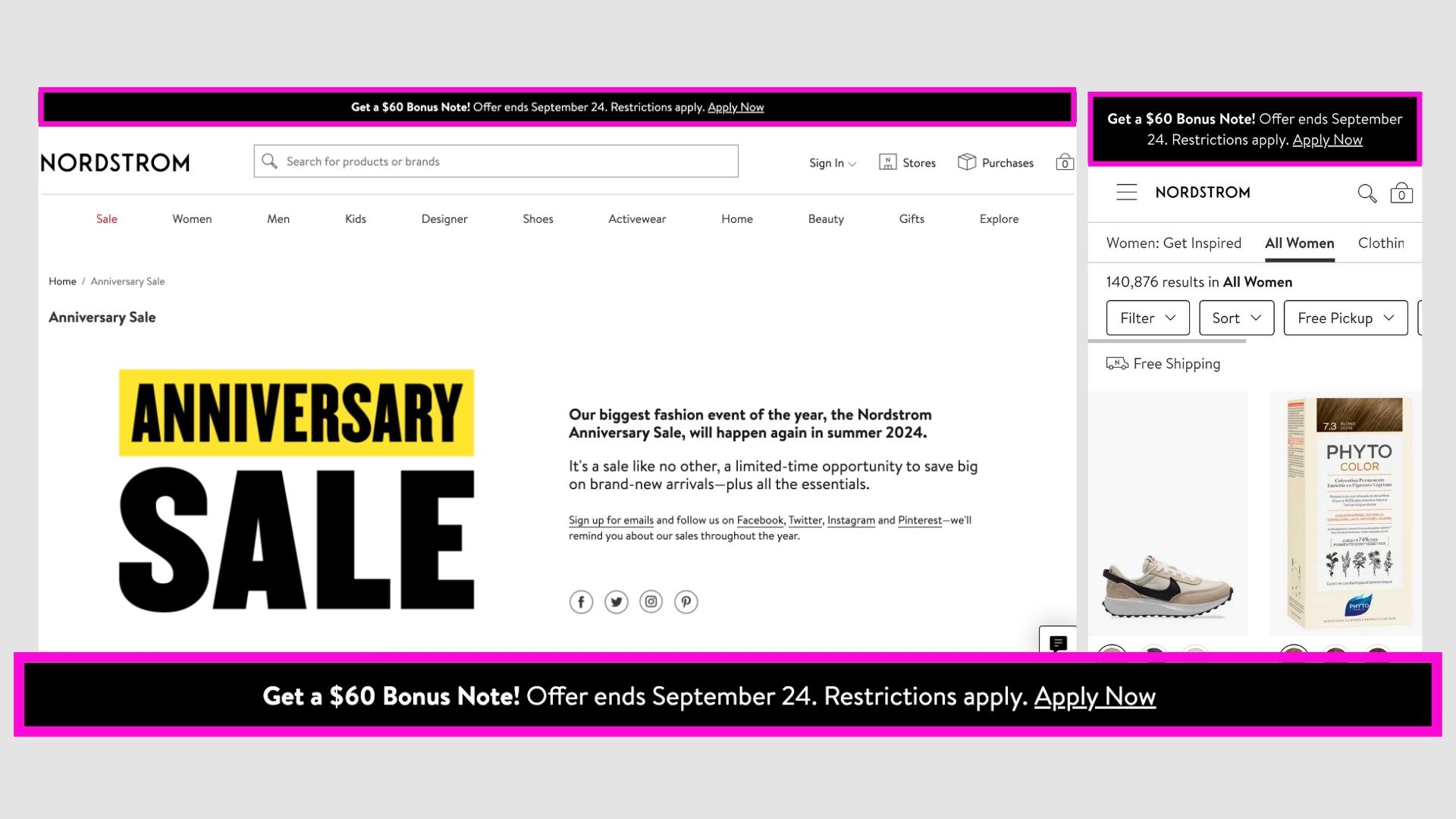
Use case: Increase coupon redemption
Where it works best: Ecommerce, email capture funnels
Example:
“Your 10% code is waiting: SAVE10”
Why it works:
- Users forget popup coupons
- A sticky reminder keeps the incentive visible
- Reduces abandoned carts
This tactic alone can lift redemptions by 30–50%.
3. Geo-Targeted Shipping & Tax Bar

Use case: Reduce checkout friction for international users
Where it works best: Global ecommerce brands
Example:
“Duties & taxes included for India 🇮🇳”
Brands like Skims use this to:
- Build trust instantly
- Prevent surprise charges
- Reduce checkout drop-offs
4. Newsletter Signup Incentive Bar
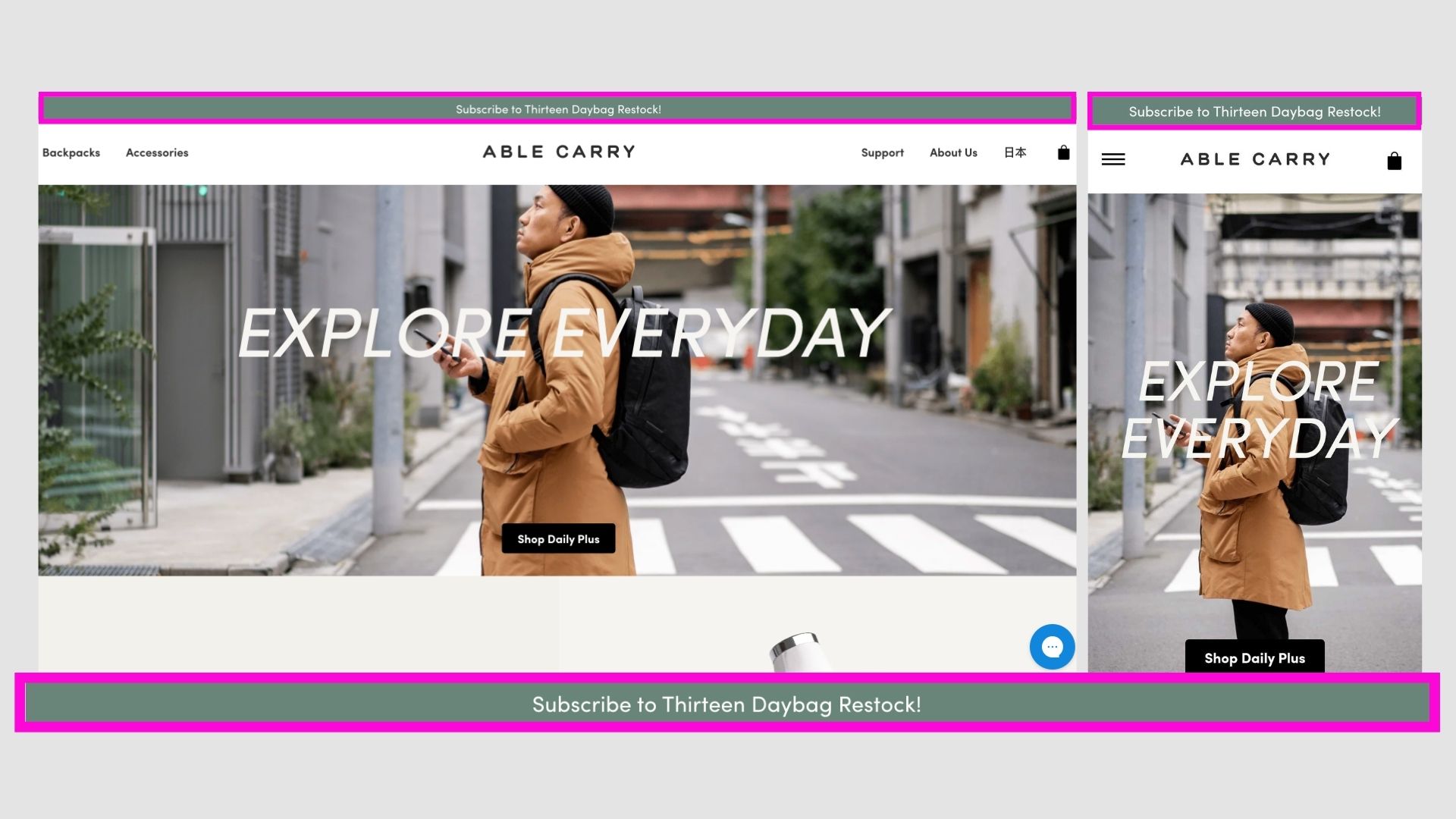
Use case: Lead generation without popups
Where it works best: Ecommerce, SaaS, content sites
Example:
“Get 10% off your first order — Join our list”
Why it works:
- Non-intrusive
- Always visible
- Converts passive visitors
This strategy helped brands like BlendJet grow massive email lists fast.
5. Limited-Time Offer Countdown Bar
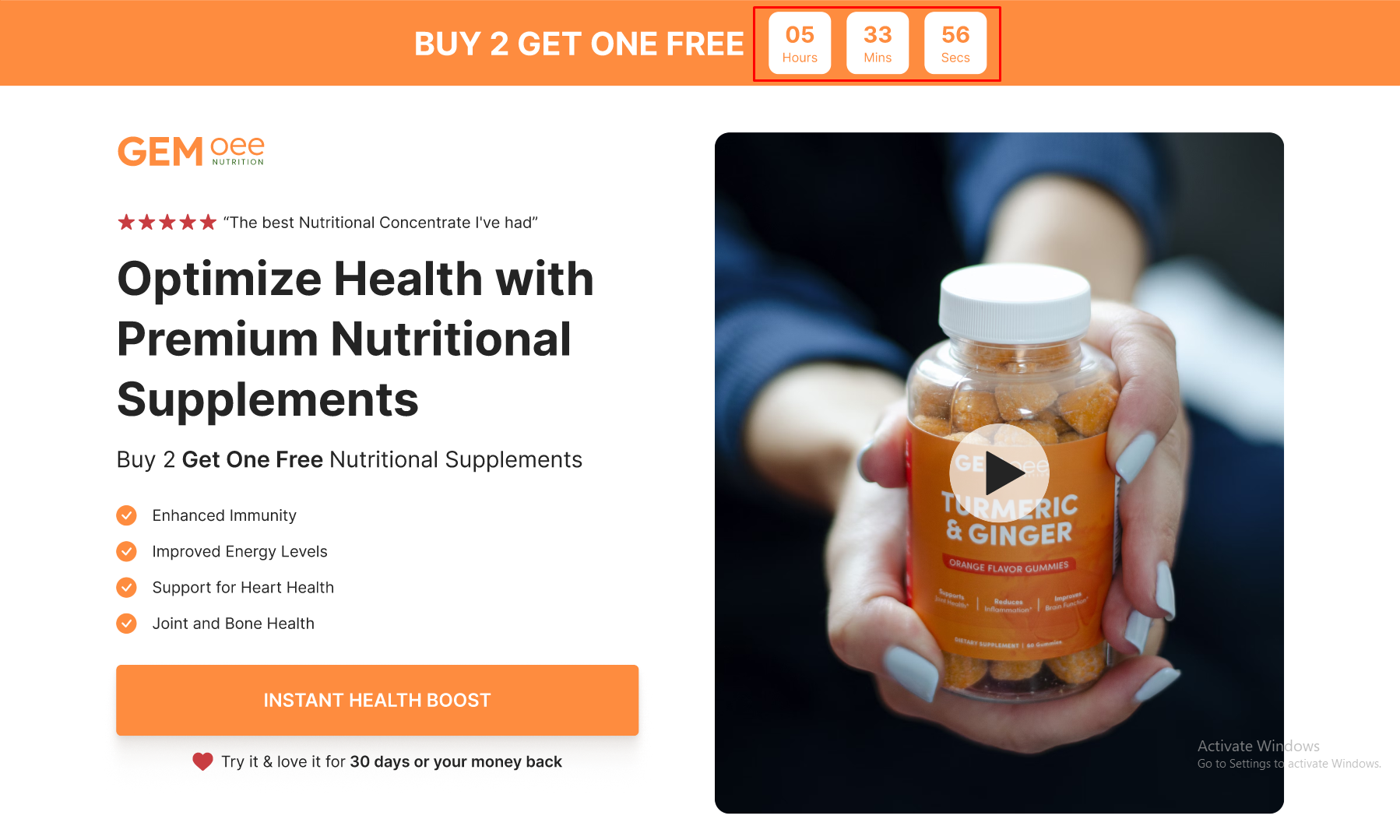
Use case: Create urgency & FOMO
Where it works best: Flash sales, launches, seasonal offers
Example:
“Sale ends in 02:14:36 ⏰”
Why it works:
- Triggers urgency psychology
- Pushes decision-making
- Works exceptionally well on landing pages
6. Product Reminder / Recently Viewed Bar

Use case: Recover lost intent
Where it works best: Ecommerce with large catalogs
Example:
“Still thinking about this? Ships in 24 hours.”
This subtle nudge:
- Brings users back to high-intent products
- Acts like a retargeting ad — on your site
7. Seasonal Campaign Bar (Sales & Events)

Use case: Highlight major campaigns
Where it works best: Black Friday, Diwali, New Year, Cyber Monday
Example:
“Black Friday Sale — Up to 40% off”
Used effectively by brands like Joovv, this keeps seasonal traffic focused.
8. Transparency & Trust Bar

Use case: Build credibility
Where it works best: New brands, international stores
Examples:
- “No hidden fees”
- “30-day money-back guarantee”
- “Secure checkout”
Trust messaging early = higher conversions later.
9. Restock & Availability Bar
Use case: Capture demand for sold-out items
Where it works best: Fast-moving inventory stores
Example:
“Back in stock — limited units available”
Great for:
- Preventing lost traffic
- Creating urgency around restocks
10. Service Status / Update Bar (SaaS)

Use case: Reduce support tickets
Where it works best: SaaS, tools, platforms
Examples:
- “Scheduled maintenance at 2 AM UTC”
- “All systems operational”
Clear communication = higher trust + fewer complaints.
Best Practices for High-Converting Announcement Bars
For SEO, AEO, and AI-search visibility:
- Keep text short and scannable
- Answer one question per bar
- Match brand tone
- Ensure mobile responsiveness
- Use geo-aware messaging
- Test CTA vs no-CTA
- Rotate messages based on traffic source
Final Thoughts
Announcement bars are no longer “nice to have.”
In 2026, they are:
- Search answer surfaces
- Conversion drivers
- Trust builders
- Revenue multipliers
If you’re not using them strategically, you’re leaving money on the table.